


AI UX Design: A New Future for the UX Industry The integration of Artificial Intelligence (AI) into UX (User Experience) design is reshaping the way designers create digital experiences. By leveraging AI, UX professionals can design intuitive, personalized, and adaptive user interfaces that cater to individual user preferences in real-time.
click to get service View profile
The Fusion of AI and UX Design
AI UX Design: A New Future for the UX Industry Artificial intelligence has revolutionized the landscape of User Experience (UX) design, bringing transformative changes that continue to grow in significance. Despite discussions about AI potentially replacing human designers, the truth is that AI serves as a powerful tool to enhance the capabilities of design teams. It enables them to focus on what truly matters: innovative problem-solving, strategic planning, and fostering meaningful connections with users.
Source: https://blog.hubspot.com/website/web-designers-ai.
The Impact of Artificial Intelligence on UX Design: Exploring the Benefits
AI UX Design: A New Future for the UX Industry AI has significantly enhanced both workflows and the design process for designers. Here’s how it’s making an impact:
Benefit of AI in UX Design #1: Enhances Customer Research
To truly connect with customers, designers must deeply understand their target audience, which requires active listening and thorough research. This is where the synergy between AI and UX design becomes invaluable. AI simplifies this process by gathering and analyzing data from multiple sources, such as website analytics, social media interactions, and customer feedback.
With its ability to process vast amounts of data, identify patterns, and extract meaningful insights, AI enables designers to better understand their audience with ease and precision.
Benefit of AI in UX Design #2: Boosts Personalization
With 92% of businesses now utilizing AI-driven personalization to boost growth, designers can take inspiration to enhance user experiences through tailored solutions. AI empowers designers to analyze user data, create detailed profiles, generate personalized recommendations, and develop dynamic, adaptive interfaces.
AI UX Design: A New Future for the UX Industry In the B2B e-commerce space, AI plays a pivotal role in customizing search results, payment options, shipping methods, product suggestions, and website analytics, all of which contribute to improved customer satisfaction and business success.
Benefit of AI in UX Design #3: Streamlines Workflows
AI UX design tools enable designers to streamline their workflows by automating time-consuming tasks like categorizing user behaviors, crafting color schemes, and resizing images. Beyond these basic functions, AI’s capabilities extend to more advanced processes such as generating landing page layouts, developing prototypes, and conducting A/B testing.
By handling these routine and complex tasks, AI frees designers to focus on strategic planning and creative innovation, leading to more efficient workflows and faster project delivery.
AI UX Design: A New Future for the UX Industry However, like any groundbreaking technology, AI-powered UX design tools come with their own set of challenges, which must be navigated carefully to maximize their potential benefits.
The Challenges of Integrating AI into UX Design for Digital Products
As a transformative technology, AI has raised significant concerns about its implications for humanity. Designers, in particular, must be mindful of the following key challenges associated with its integration.
Challenge of Integrating AI and UX #1: Lack of Empathy
AI, unlike humans, lacks the ability to feel emotions or empathize with users. Despite its advanced data processing capabilities, it cannot replicate genuine human understanding.
This is why human input remains essential, no matter how sophisticated technology becomes. For example, an AI-powered UX design tool can generate a prototype, but designers must evaluate the output to ensure it aligns with user needs and expectations.
Challenge of Integrating AI and UX #1: Lack of Empathy
People tend to distrust things they don’t understand. Given the complexity AI, UX design experts can fail to fully comprehend the technology. The lack of knowledge around AI’s inner workings will always make people question its results. An AI tool, for instance, may scrape the internet for information and answer user inquiries without divulging its sources. The lack of transparency can easily sow distrust.
Challenge of Integrating AI and UX #3: Inaccurate Results
Poorly configured AI algorithms can produce faulty results, creating more work for UX designers. For example, design teams might invest significant time building a user interface, only to discover later that the user research was based on inaccurate data and insights. This misstep could force the team to start over, and in the worst case, the project might be deemed a failure and canceled entirely.
Challenge of Integrating AI and UX #4: Unfair Biases
AI models can sometimes be trained on data with inherent biases, which may lead to designers unintentionally creating products that deliver discriminatory user experiences. For example, chatbots learn and evolve based on the information they are fed. Over time, this continuous learning process can inadvertently absorb and amplify societal prejudices, resulting in biased interactions and outcomes.
Challenge of Integrating AI and UX 5: The Risk of a Job Armageddon
There will always be concerns about AI replacing people’s jobs, and designers are not immune to this risk. But as demonstrated above, even AI-powered creations still require human input to truly resonate with the end users. This is to ensure the results are accurate and empathetic. AI is merely a tool that supports designers and makes them more efficient at their jobs.
Instead of fearing AI, UX design experts should learn to use the technology to their advantage.
Mastering powerful tools brings strength, and the same applies to designers who harness the full potential of AI in UX design.
Best Practice for AI in UX Design 1: Create Data-Driven UX Designs
To create successful products, it’s essential to understand what captivates your users. This requires thorough user research, and AI in UX design can significantly ease the process by helping you gather and interpret customer data.
Here’s how AI can assist:
- AI-Powered Analytics for Behavioral Insights: Analytics tools can track how users interact with your digital products. For instance, tools like Crazy Egg can monitor user navigation, identify pain points, and suggest design improvements to enhance conversion rates.
- Natural Language Processing (NLP) for Sentiment Analysis: AI can analyze customer feedback and online conversations to uncover how users feel about your brand. Platforms like MonkeyLearn extract sentiment from raw data such as chats, reviews, and social media posts.
- Generative AI for Success Metrics: Measuring UX success requires tracking the right metrics. Generative AI tools like ChatGPT can recommend relevant metrics based on your specific needs. Simply provide a clear prompt to receive tailored suggestions.
Data can only take you so far. It is AI that will give you the insights that will truly make that data useful.
Best Practice for AI in UX Design 2: Turn AI into a Reliable Personal Assistant
Boosting efficiency as a UX designer has never been easier than with a personal assistant that doesn’t tire or take breaks—AI is stepping into this role seamlessly.
Here’s how AI streamlines your workflow:
- Automating Routine Tasks: AI can handle repetitive work, saving you time and effort. For example, tools like Framer can generate code and layouts, enabling designers to quickly create prototypes.
- Enhancing UI Design: AI helps blend functionality with aesthetic appeal. Adobe Sensei uses predictive analytics to suggest logos, typefaces, and icons that align with your brand identity.
- Generating Human-Like Content: From crafting presentation content to responding to emails, AI tools like ChatGPT can create conversational and professional text, freeing up your time for design work.
With AI at your disposal, there really is no point in shouldering the whole workload unassisted.
Best Practice for AI in UX Design 3: Unlock Your Creativity with Briefs and Idea Triggers
Even designers encounter creative blocks, but tools like ChatGPT can help you overcome them. It sparks creativity by generating project briefs, suggesting engaging activities for ideation workshops, and offering word associations to inspire new ideas.
Best Practice for AI in UX Design 4: Ensure Accessibility with AI Detectors
Incorporating accessibility elements into your design not only ensures inclusivity but also aligns with accessibility laws and industry standards. Here’s how AI can help make your UX more accessible:
- Detecting Accessibility Issues: AI tools like Monsido can audit your website to identify areas that need improvement and ensure compliance with Web Content Accessibility Guidelines (WCAG).
- Flagging Biased or Discriminatory Language: Tools like Acrolinx help remove exclusionary language by identifying and flagging problematic phrases as you create content.
In the next section, we’ll explore additional AI tools that every UX designer should have in their toolkit.
To enhance your workflow and elevate your output, it’s essential to use the best AI tools. Here are some top AI-powered digital solutions you shouldn’t miss.
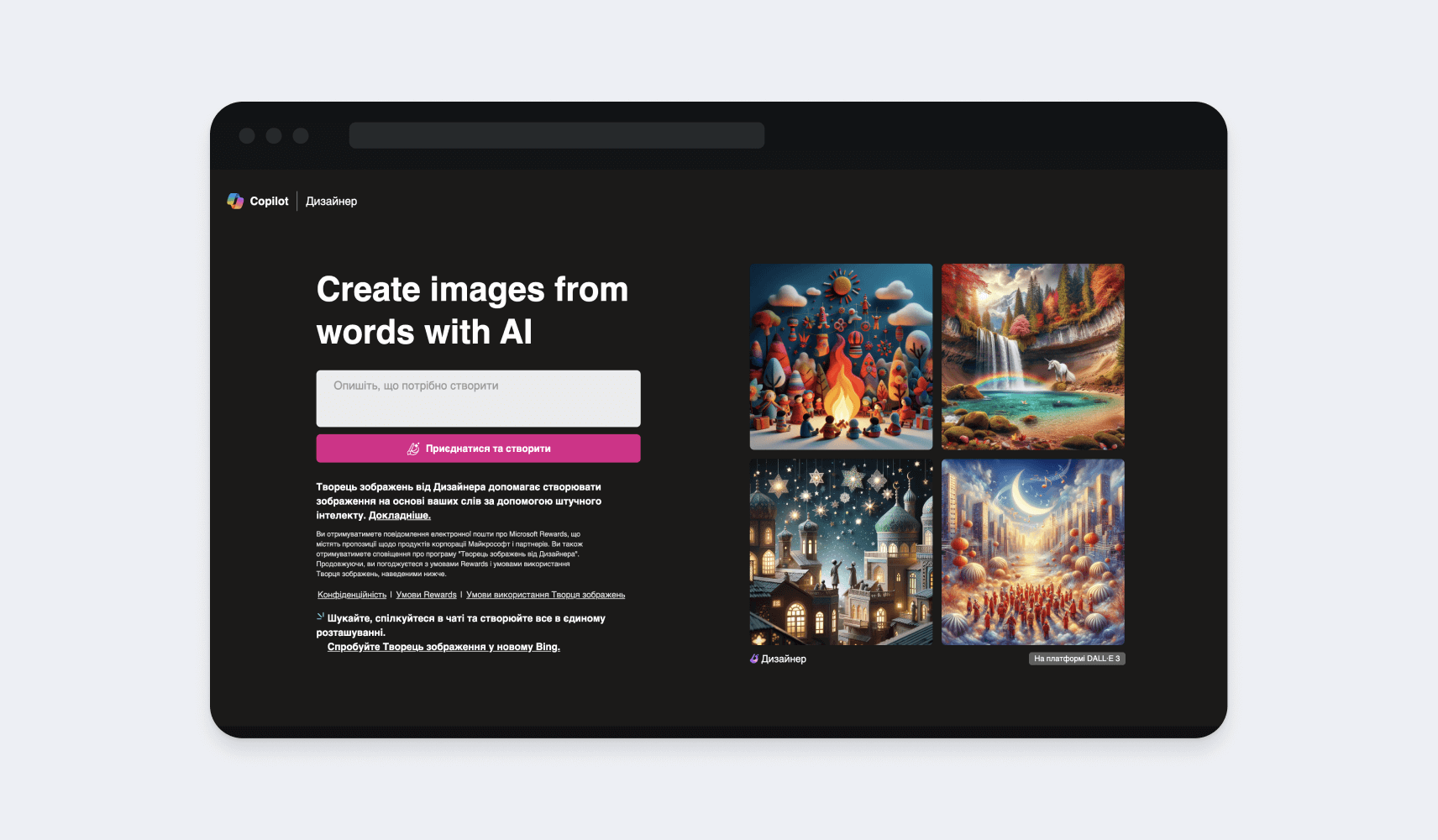
Developed by Microsoft Bing, this AI UX design tool generates digital art based on your text prompts. Simply describe the image you envision, and it will create a detailed visual that captures nuances like facial expressions and textures, while also aligning with your preferred style, from abstract to realist. It’s an efficient way to turn your ideas into visuals.
The Image Creator is integrated into Bing Chat, an AI-powered assistant that allows you to browse the web, get answers to complex questions, and summarize articles.
Source: https://www.bing.com/images/create/.
Spline
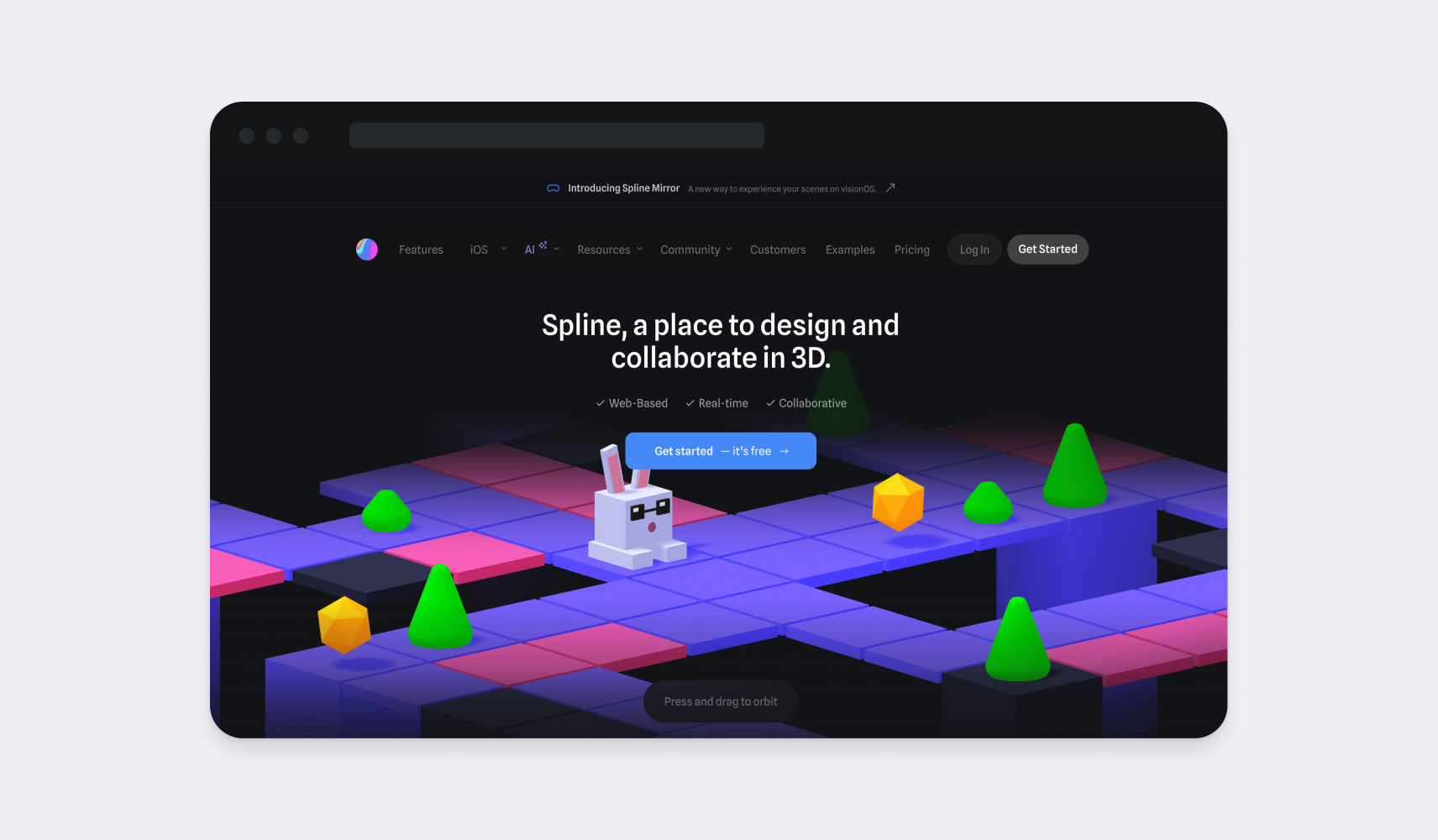
Spline is an AI UX design tool that simplifies 3D design creation, making it accessible even for beginners. It offers an easy-to-use interface without overwhelming users with complex technical features and is free to use in any browser.
With Spline, you can explore the Object Manager, a library of inspiring projects, and a range of tools to adjust backgrounds, effects, lighting, and colors. If you’re familiar with Sketch, you’ll find Spline’s interface quite similar, making it easy to get started.
Source: https://spline.design/.
Leonardo AI
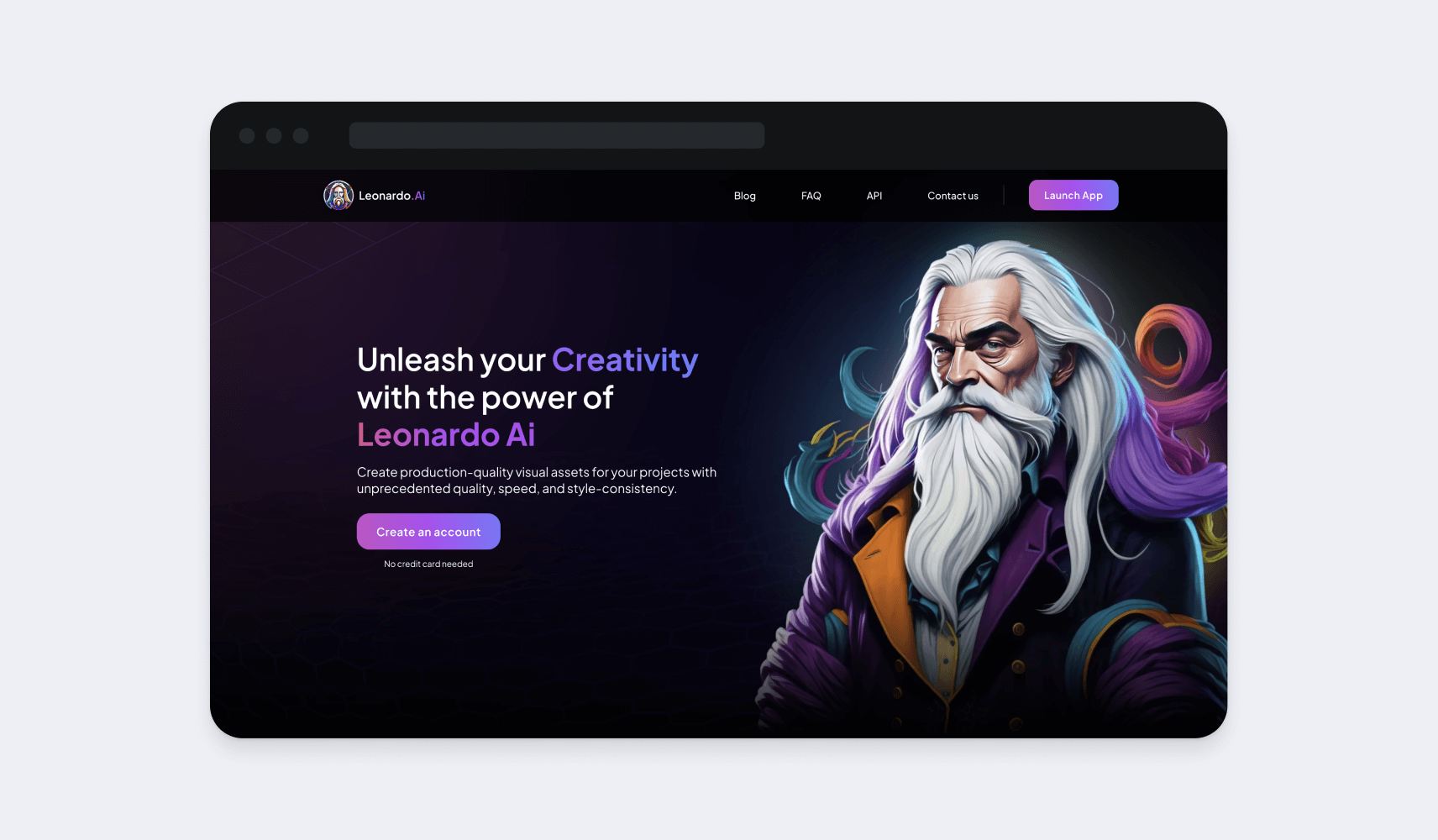
Leonardo AI is a powerful image-generation tool designed for AI product design, allowing you to create high-quality visuals. With complete control over the creative process, you can use specific prompts and schedulers to guide your designs.
Advanced AI models power its fine-tuning tools, enabling users to refine images until they’re production-ready. This high-performance solution accelerates the creative journey, helping you move quickly from ideation to creation and final refinement.
Source: https://leonardo.ai/.
LukeW
No matter how experienced we are, there are times when we encounter obstacles at work. Wouldn’t it be great to consult a seasoned expert in such moments?
LukeW is not your typical AI UX design tool. Instead, it’s a chatbot that simulates conversations with Luke Wroblewski, a renowned figure in software development and design. By interacting with the bot, you gain insights from his vast experience, including his work as a product director at Google and his contributions to software used by billions globally.
While the chatbot doesn’t offer live conversations, it effectively analyzes Wroblewski’s published work and presentations, providing you with the specific information you need.
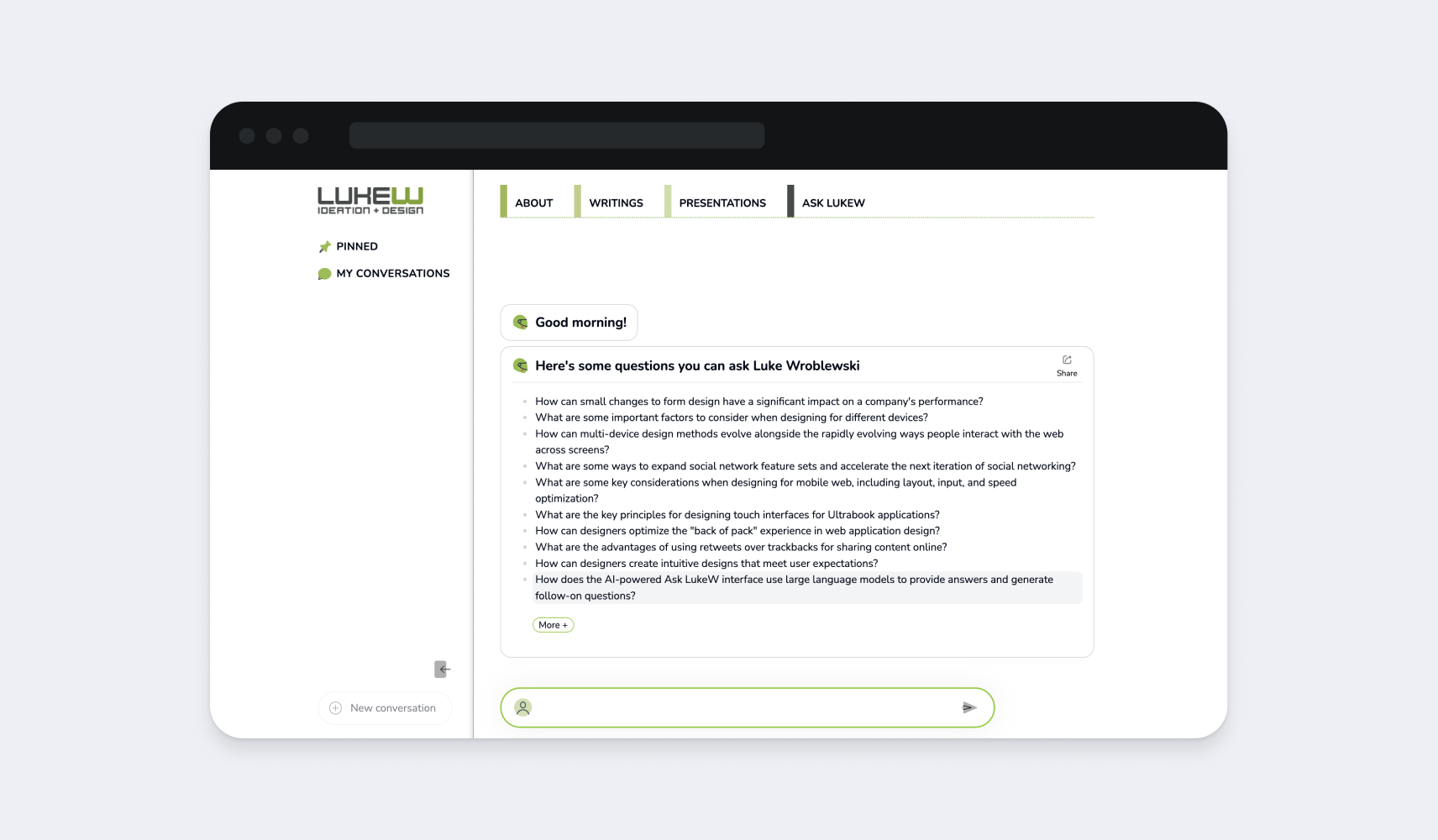
Source: https://ask.lukew.com/chat.
Ideogram
Ideogram is a powerful AI UX design tool that enables you to effortlessly create photorealistic images with integrated typography. It simplifies adding text elements to visuals and is praised for its stunning typography presets, offering a rich variety of fonts, colors, and sizes.
Developed by William Chan, Chitwan Saharia, and Jonathan Ho, former Google Brain researchers, Ideogram delivers a product backed by expertise and innovation.
AI is already transformative—and it’s only just beginning.
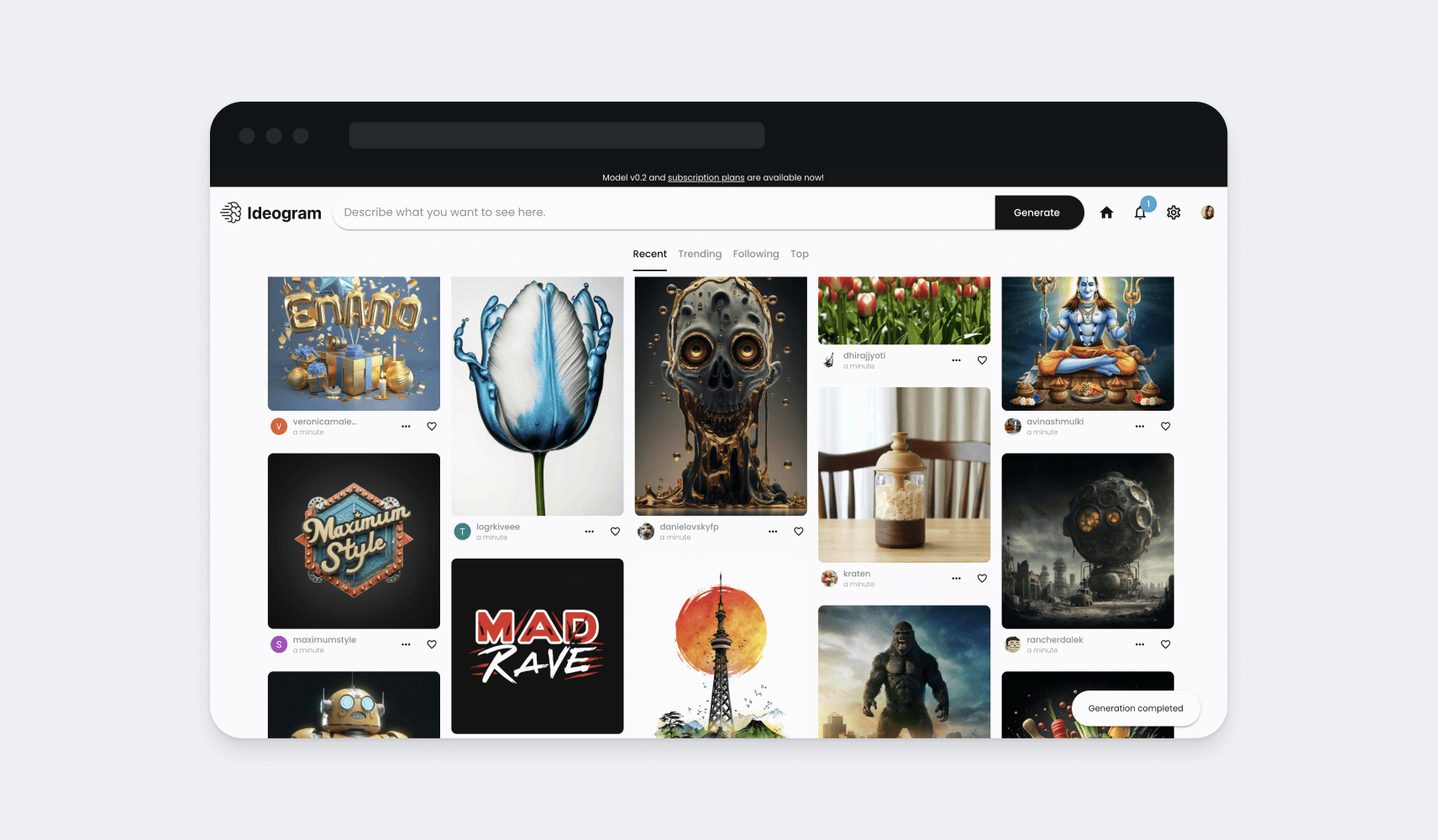
Source: https://ideogram.ai/login.
The Future of AI in Web and Product Design: Trends and Innovations
There are still several key areas where AI and UX can improve, and we expect significant advancements in the following areas in the future:
- AI UX Design Tools for Virtual Reality (VR) and Augmented Reality (AR): With the help of computer vision and object-recognition algorithms, AI is paving the way for immersive user interfaces that seamlessly integrate digital and real-world environments.
- AI UX Design Tools for Collaboration: Features like version control and real-time editing have already enhanced collaboration among designers. AI will take this further by offering recommendations based on collective feedback and industry best practices, streamlining the design process.
- AI UX Design Tools with Voice User Interfaces (VUIs): AI can help designers better understand user intent, context, and conversational flows, enabling them to create more intuitive and responsive user workflows.
- AI UX Design Tools for Motion Design: AI is making it easier for designers to create dynamic web pages, engaging animations, and personalized user experiences. Tools that animate characters by capturing human or bipedal motion from uploaded videos are already transforming motion design.
Conclusion
As we’ve mentioned before, AI and product design are a revolutionary combination. Those who know how to harness its power will stay ahead.
From analyzing data to generating prototypes, AI is already simplifying the design process for UX designers. While we’ve covered many powerful tools, this article only scratches the surface of what AI can do in user experience design.
There’s much more to discover, and the future of AI in UX design is both promising and exciting for design services.
Partner with us at Qubstudio, where we leverage AI for UX design to elevate your product to new heights of success.